The Recipe System I Actually Use
I tried folders, scrapbooks, notes apps, and saved posts. None of them survived a busy baking season. This is the simple workflow I have used every week for months.
May 23, 2026

By Sarah Mitchell
Home baker & recipe systems writer
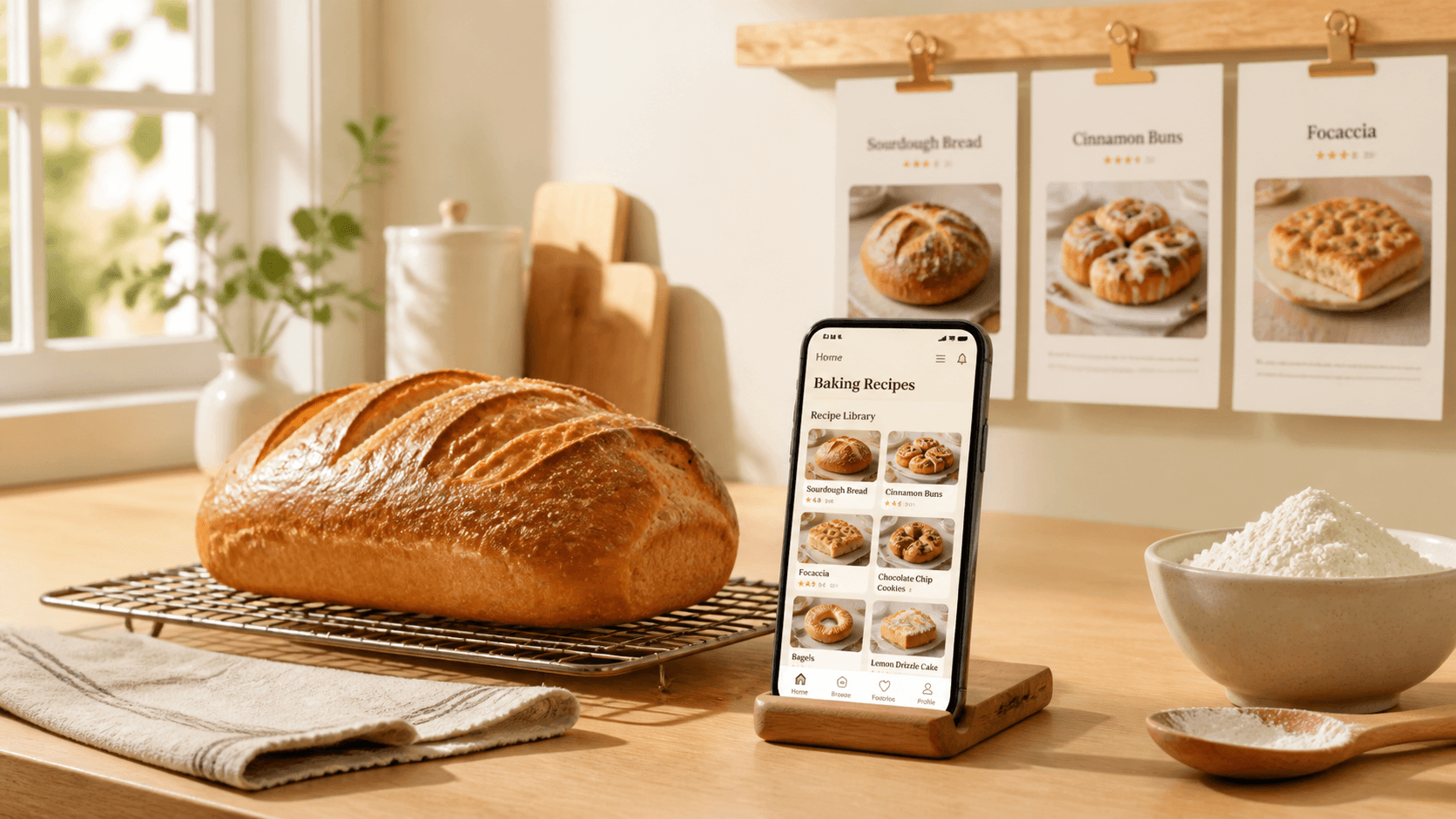
A recipe system is not a brand of notebook or a colour-coded folder. It is what happens from the moment you see a loaf you want to bake to the moment you pull it from the oven — without hunting, retyping, or guessing.
I am not naturally organised. I am tired of systems that look good in January and collapse by March. Here is the one I still use.
I had a new system every few months
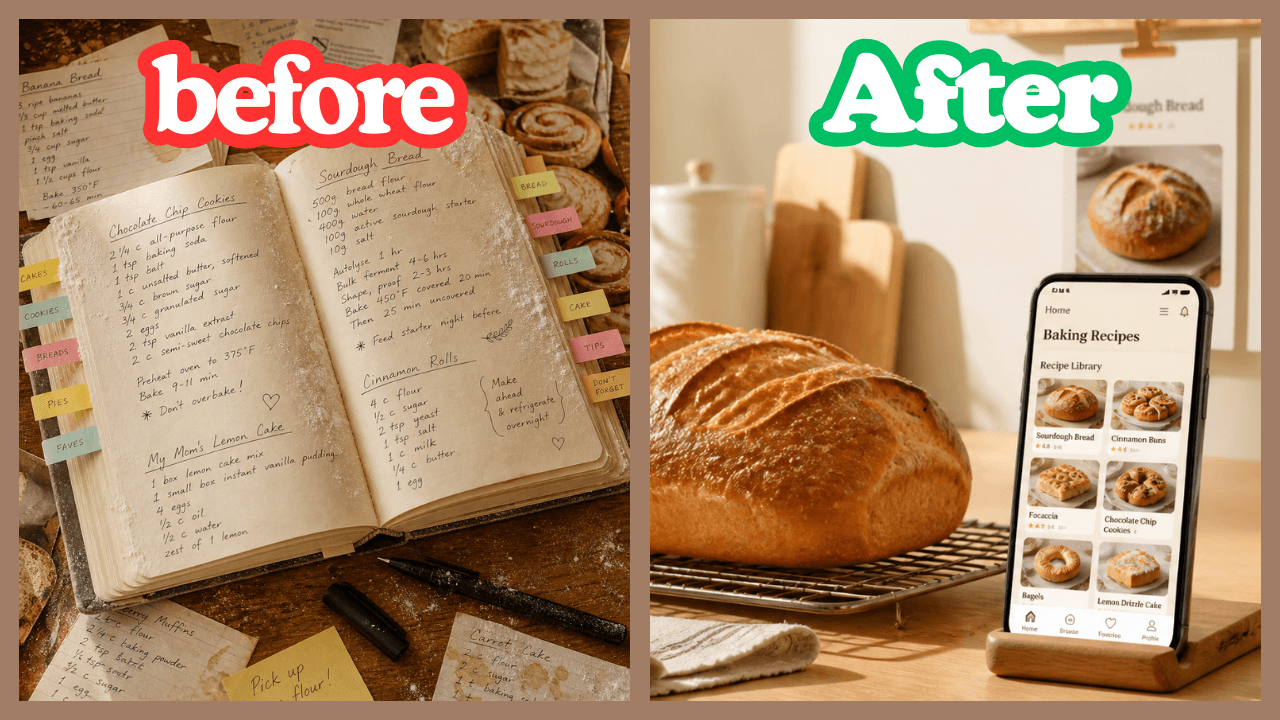
January: a fresh scrapbook with dividers. March: screenshots only. June: a notes app with tags I never kept up. September: Pinterest boards I could not search with flour on my hands. Each one worked until life got busy — then I was back to chaos.
The problem was never motivation. It was that none of those setups covered the full journey. Find. Save. Find again. Scale. Bake. Shop. They each solved a slice and left the rest to luck.
If your "system" breaks the moment you are mid-bake
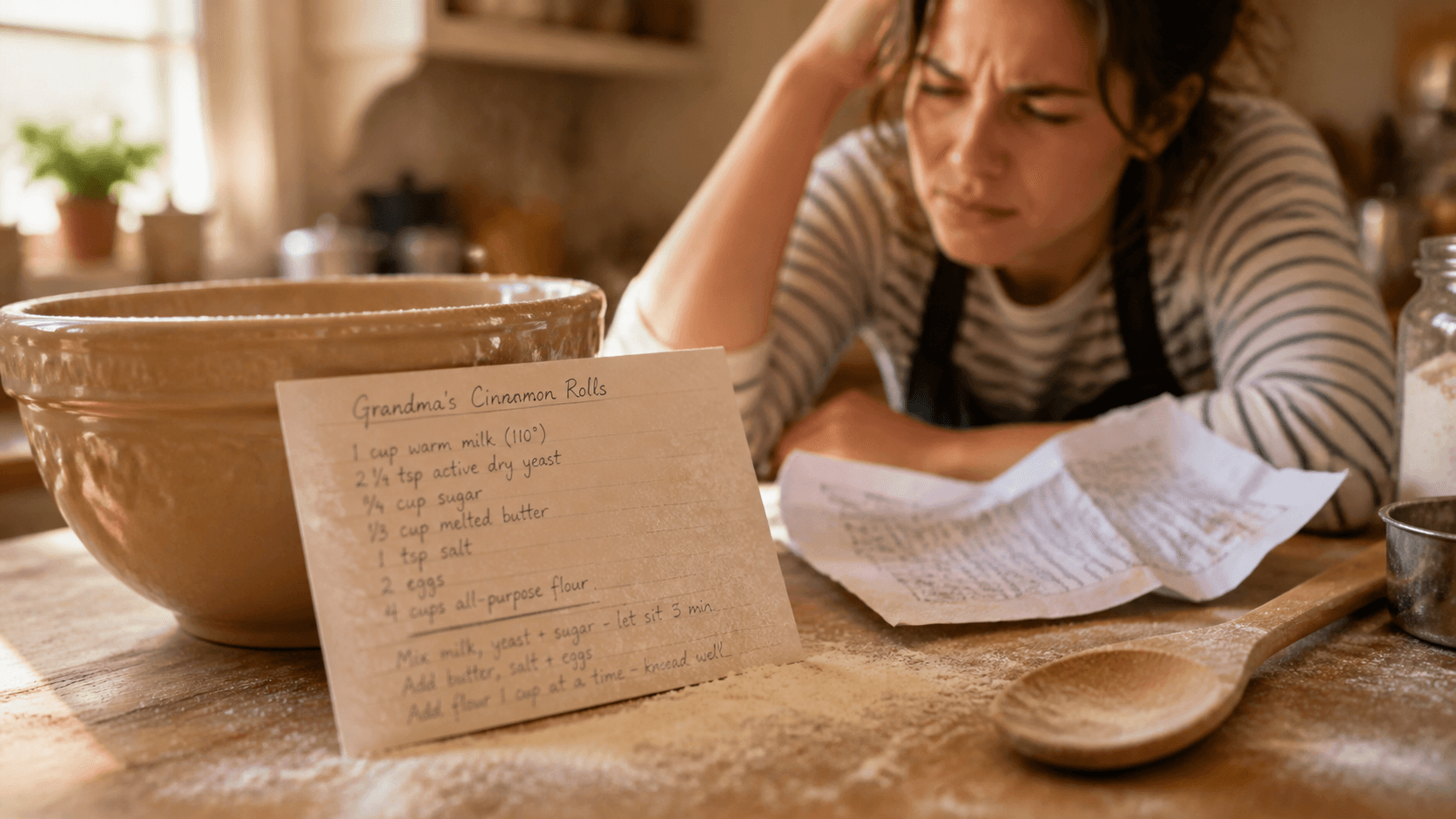
This is for you if you have ever named a folder, bought a notebook, or promised to organise your saves — and still ended up scrolling at 9 p.m. trying to find the same cinnamon roll video from last month.
You do not need another productivity hack. You need one place where online recipes land, stay searchable, and still work when your kitchen has no signal and your scrapbook is on the other side of the room.
Half a system is worse than none
A system that only handles saving but not cooking is just a graveyard with good intentions. A system that only handles heirlooms but not TikTok is a scrapbook with a growing pile of guilt next to it.
I wasted more time maintaining broken workflows than I saved. Re-screenshotting because the first was blurry. Re-googling because the tab died. Re-writing hydration notes I had already solved once. The cost was not just mess — it was trust. I stopped believing any system would stick.
Why most recipe systems fall apart
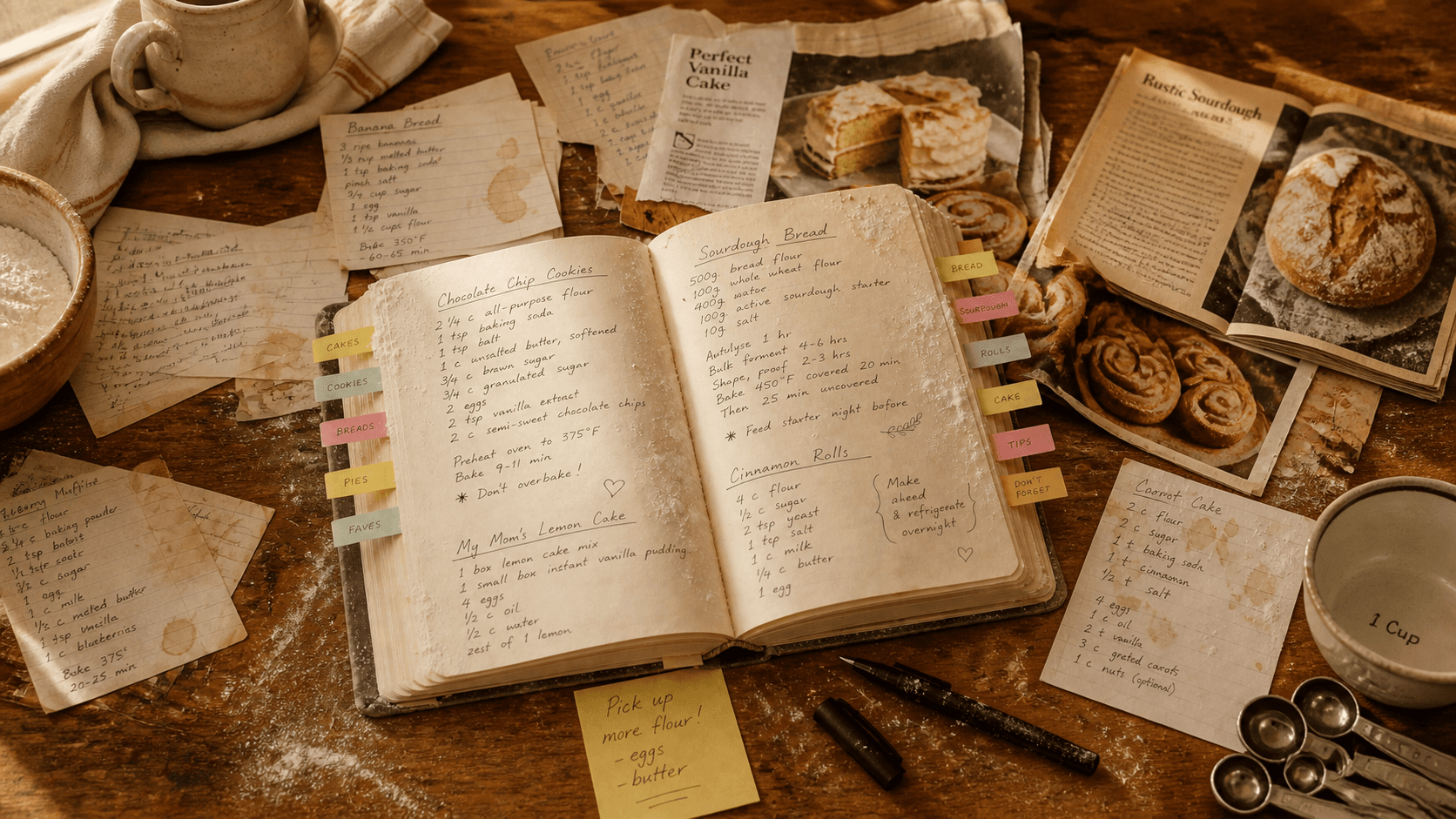
Recipes today come from everywhere: a Reel, a blog, a voice note, a card from your aunt. Most tools were built for one source only. Paper for family. Feeds for discovery. Photos for panic saves.
When your collection spans scrapbook pages, screenshot folders, and saved posts inside apps that want you scrolling — you do not have a system. You have storage. A real system connects find → keep → cook without switching contexts six times.
What I stopped pretending worked
I quit cycling through these once I named them honestly:
- Screenshot-only workflows — fast to capture, impossible to search and useless for scaling a batch.
- Scrapbook-only workflows — perfect for heirlooms, unrealistic for every link you see before bed.
- Generic recipe apps — helpful for meal planning, missing the baking math I actually need mid-prep.
The system I actually use (four steps)
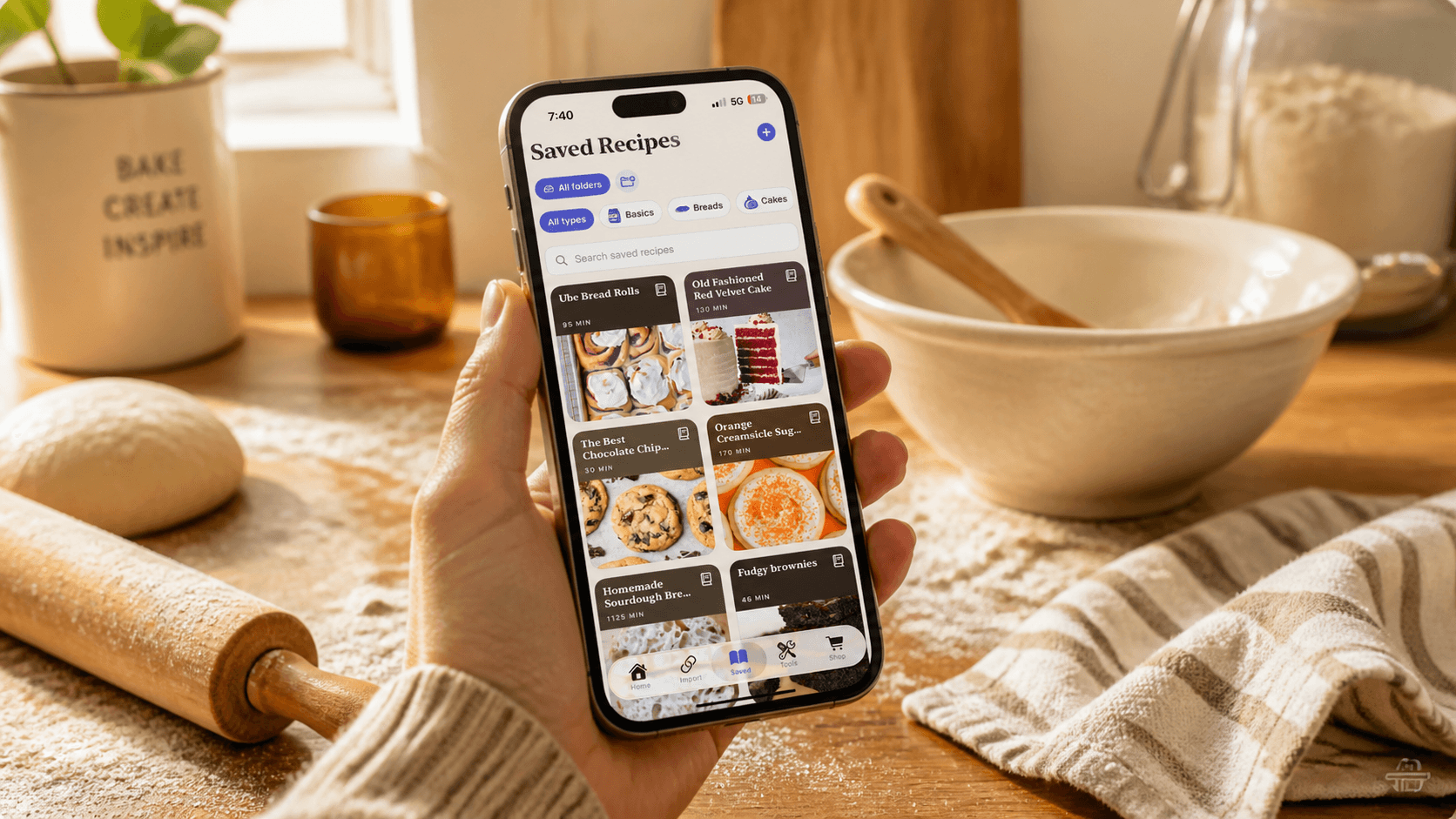
Bakewell on iOS is not my whole kitchen life — it is my pipeline for everything I find online. Family cards stay in the book. New bakes follow the same four steps every time.
One: paste the link, share the caption, or import the URL the moment I know I want it. Two: Bakewell extracts title, ingredients, and steps into one card. Three: I file it in a folder or category and scale or convert if I need to. Four: I bake from my phone offline, add missing items to the shopping list, and tap back to the method from any line. That is the entire system. No secondary notebook required.
How it works
One library, not five apps
Search by title. Filter by Breads, Cakes, Cookies, or your own folders. The recipe you saved in February is the recipe you open in April — formatted, not buried in a feed.
Built for baking, not just storing
Twenty-eight tools: ingredient-accurate cups-to-grams, yeast conversion, sourdough hydration, scaling that handles eggs sensibly, pan-size adjustments. The system does not stop at save — it helps you cook.
Offline by default
Once a recipe is in your library, it stays on your phone. The system still works when the scrapbook is across the room and the Wi‑Fi is not.
Will it stick for you?
"I have tried apps before."
So had I. The difference is treating Bakewell as a pipeline for online finds — not a replacement for every recipe you already own. Start with the next link you care about and run it through the four steps once.
"I do not have time to set it up."
Setup is one paste. Extraction takes seconds. You are not migrating a decade of cards — you are fixing the workflow for what you discover this week.
"What does it cost?"
Free to download on the App Store. Use it on your next bake before you decide if it earns a permanent place in your routine.
I stopped collecting systems and started using one. If you are ready to do the same, download Bakewell free on the App Store and run your next favourite recipe through it once — that is the whole test.